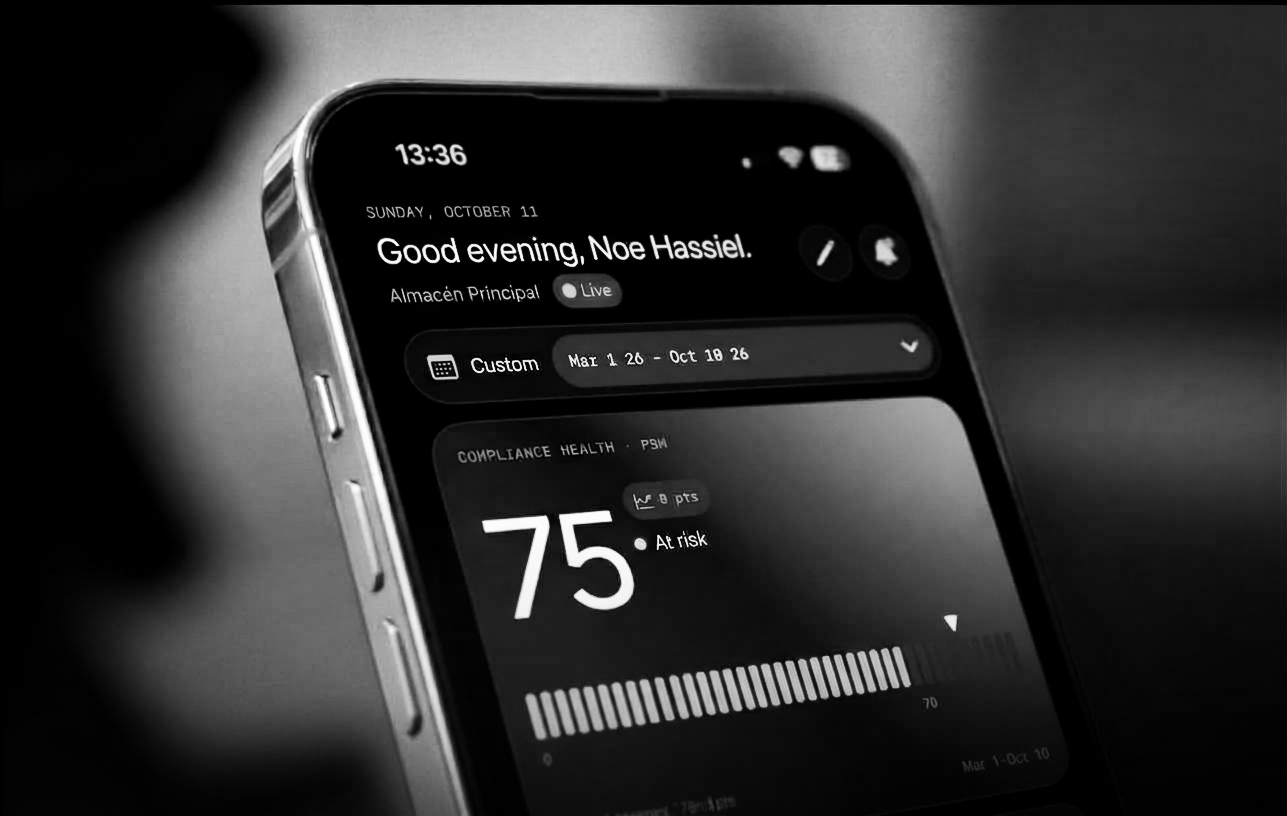
Console Mobile is here.
Close tasks, check assets and clear compliance findings from the plant floor, not from a desk.
Why mobile
Maintenance work does not happen at a desk. It happens in machine rooms, on roofs and next to compressors, with gloves on and a phone in the pocket. Until now, updating a task or logging a finding meant waiting until you were back at a computer. Console Mobile removes that wait. It is built for the moments away from the keyboard: see what is assigned to you, record what you found, and keep your facility moving.
What it is
Console Mobile is not a shrunken copy of the web app. It is the part of Console you reach for in the field, fast to open and focused on what you do on site. It starts on a Home screen with your active facility and the work that needs you today. From there you can jump into:
- Tasks: your assigned maintenance work, with checklists you can complete on the spot
- Assets: machines and equipment, with their type, category and history
- Compliance: non-compliance findings and Management of Change (MOC) records
- Inbox: notifications, so nothing waits for you to open a laptop
Sign in with your existing Console account. Your facilities, tasks and permissions are the same as on the web, so there is nothing to migrate or set up twice.
Built for the field
Tasks Open a task, read the instructions from its catalog entry, and work through the checklist. Complete each action item as you go, then move the task from New to In Progress to Completed without leaving the floor. Reassign a task or add a teammate when the job grows.
Assets
Look up any machine in your facility and see what it is, where it sits and what work has been done on it. Start a new task against an asset while you are standing in front of it.
Compliance
Review open non-compliances and MOC records for your facility, filtered by PSM or GDC element. See what is open, what is overdue and what is waiting on you, before the audit asks.
Inbox
Get notified when a task is assigned to you or a finding changes. Mark items as read from the notification itself and go back to work.
Multiple facilities
If you cover more than one site, switch your active facility in a tap. Everything you see follows the facility you picked.
What's next
This is the first step of Console's mobile journey. We will keep bringing the web app's strengths to your phone while building things that only make sense in the field.
Planned for future releases:
- Offline mode, so work continues in machine rooms with no signal
- Barcode and QR scanning to open an asset instantly
Tell us what you need most. Your feedback decides the order.
Get Console Mobile
Console Mobile is available now for Android on Google Play.
Sign in with your Console account and your facilities are ready.
Questions or ideas? Reach out to your Clauger contact, or write to the Console team.